

This page shows you all the active and inactive slides for your signage.
- Slides will not display until their start date begins. You can schedule slides this way to appear on a specific date by creating a slide that starts in the future. Remember, slides may take some additional time from their scheduled start date to appear on the Digital Signage.
- If the slide is set to not expire, the slide will remain active indefinitely regardless of their end date. Remember, it may take some time after a slide expires for them to disappear off of the Digital Signage.
- Signage that is unpublished are considered deleted from the website, and won't show up in active nor inactive lists. To review all content, go to Manage > Content in your admin menu, and filter by SBS Digital Signage.
- Content tagged with this is shared with the College of SBS. View Shared Content
Active Slides
| Signage Graphic | Title | Signage Display Date | Expire Signage | SBS Shared Content |
|---|---|---|---|---|
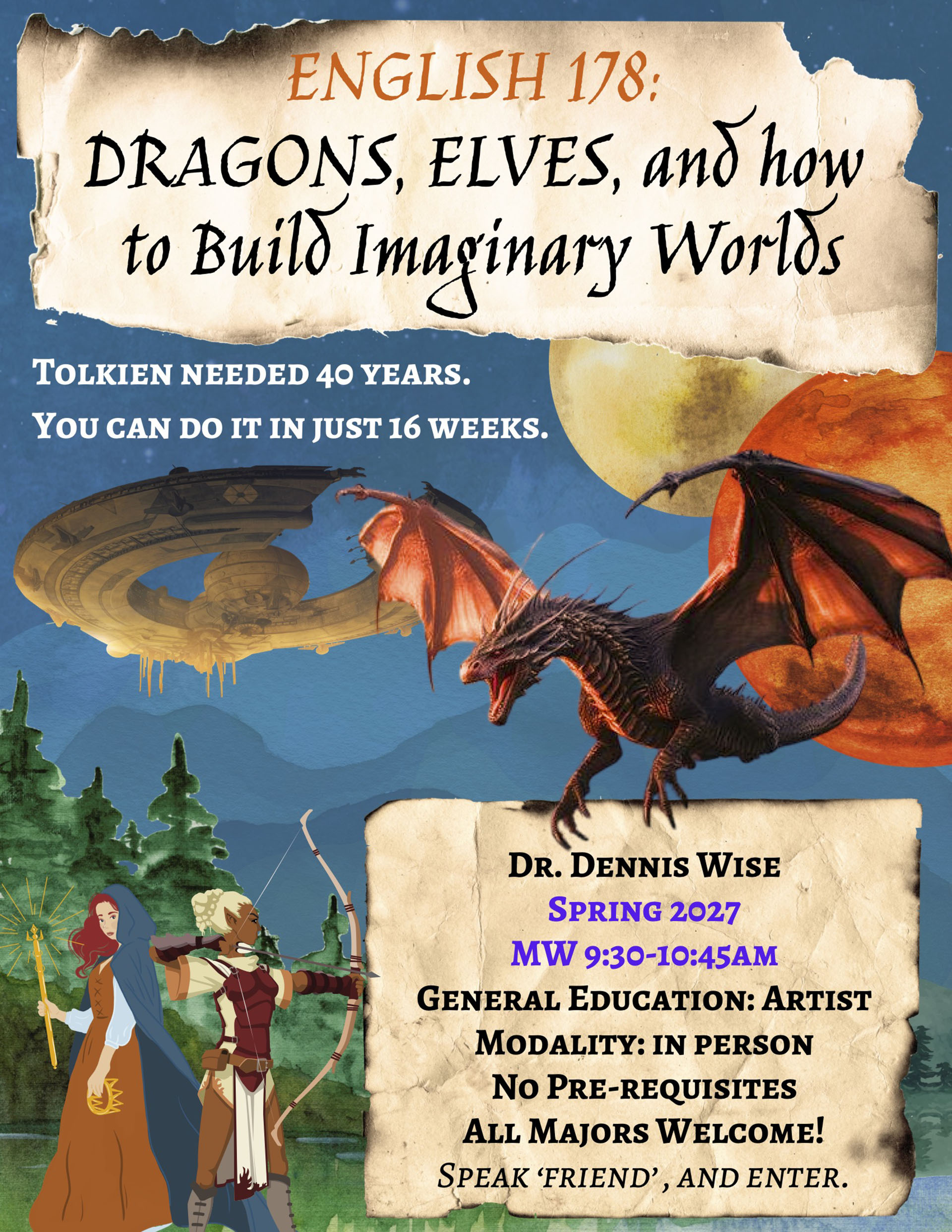
|
ENGL 178 | - | On | Off |
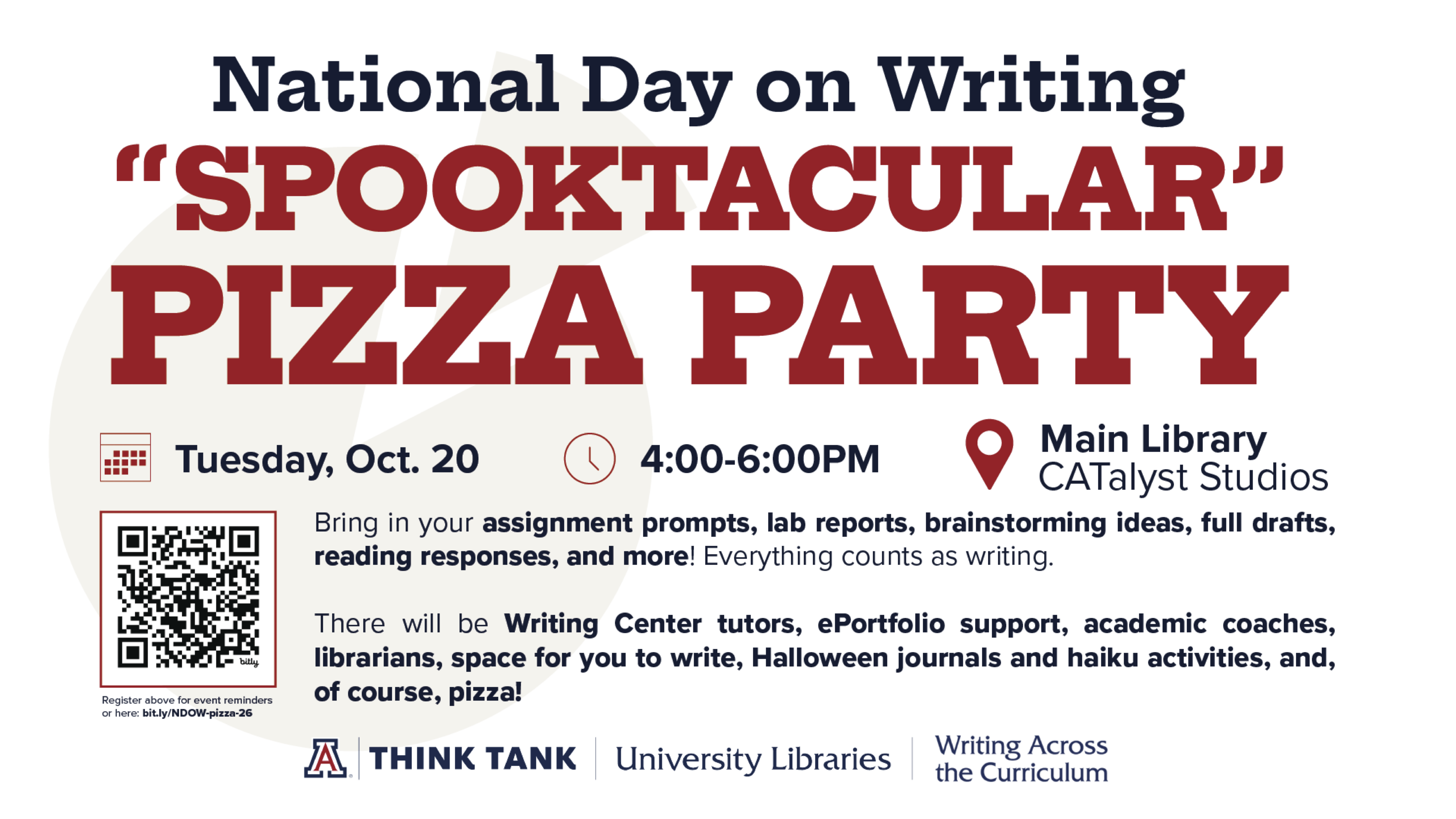
|
National Day on Writing | - | On | Off |

|
Wildcat Writers Spring 27 | - | On | Off |

|
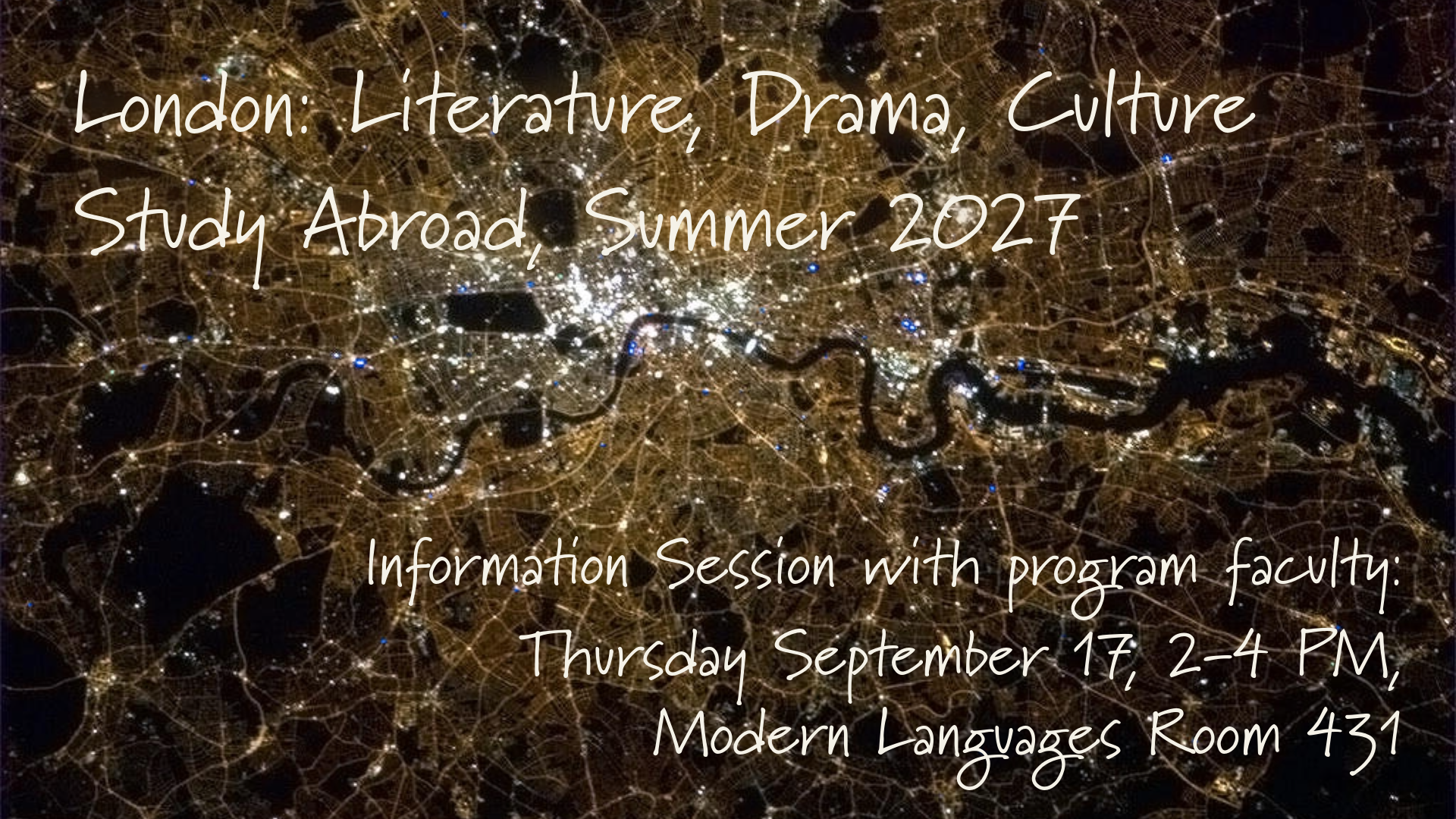
London Summer | - | On | Off |
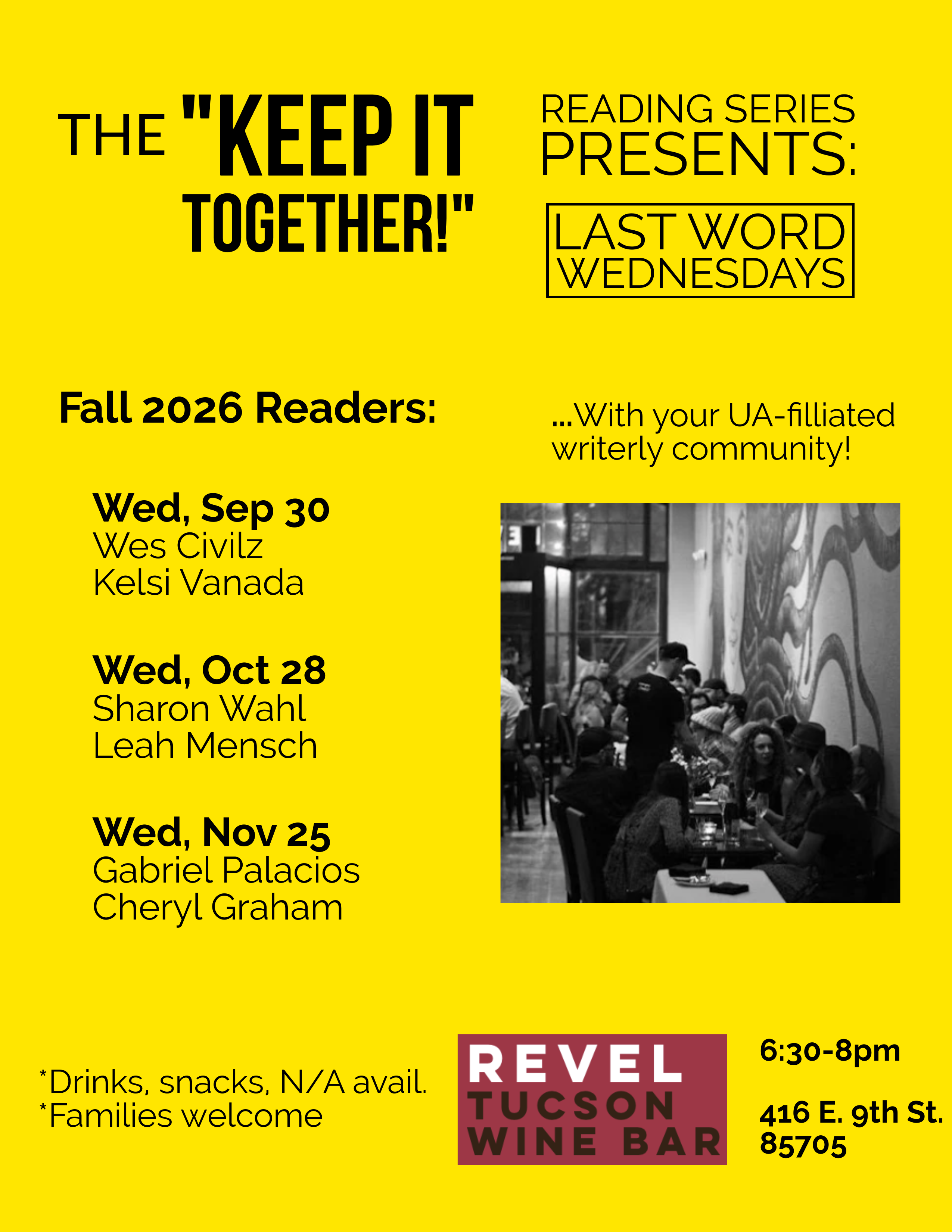
|
Last Word Wednesdays | - | On | Off |

|
Apple Repairs Now Available at Campus Store | Off | Off | |
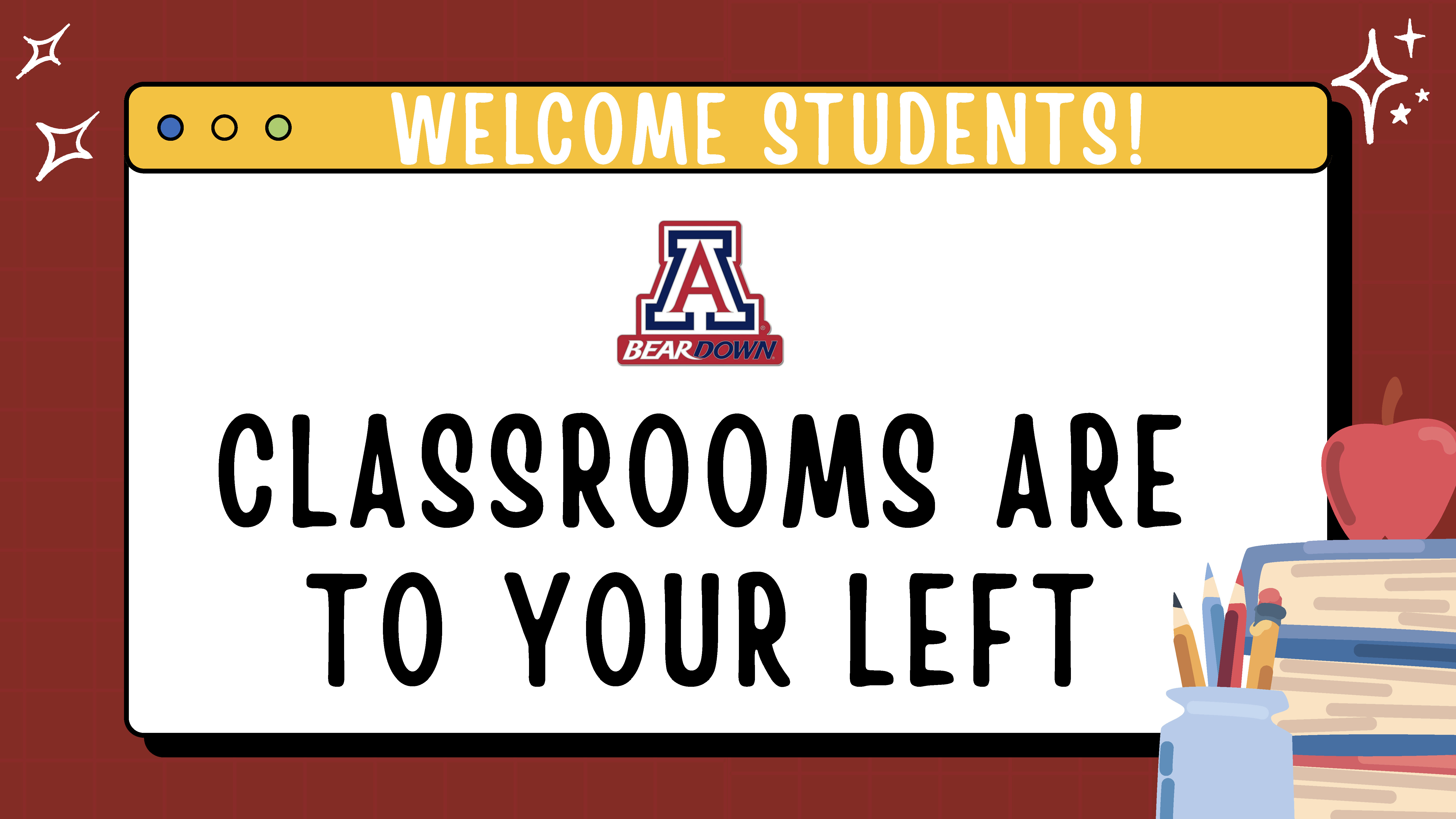
|
Welcome Back Classroom Location | Off | Off | |
|
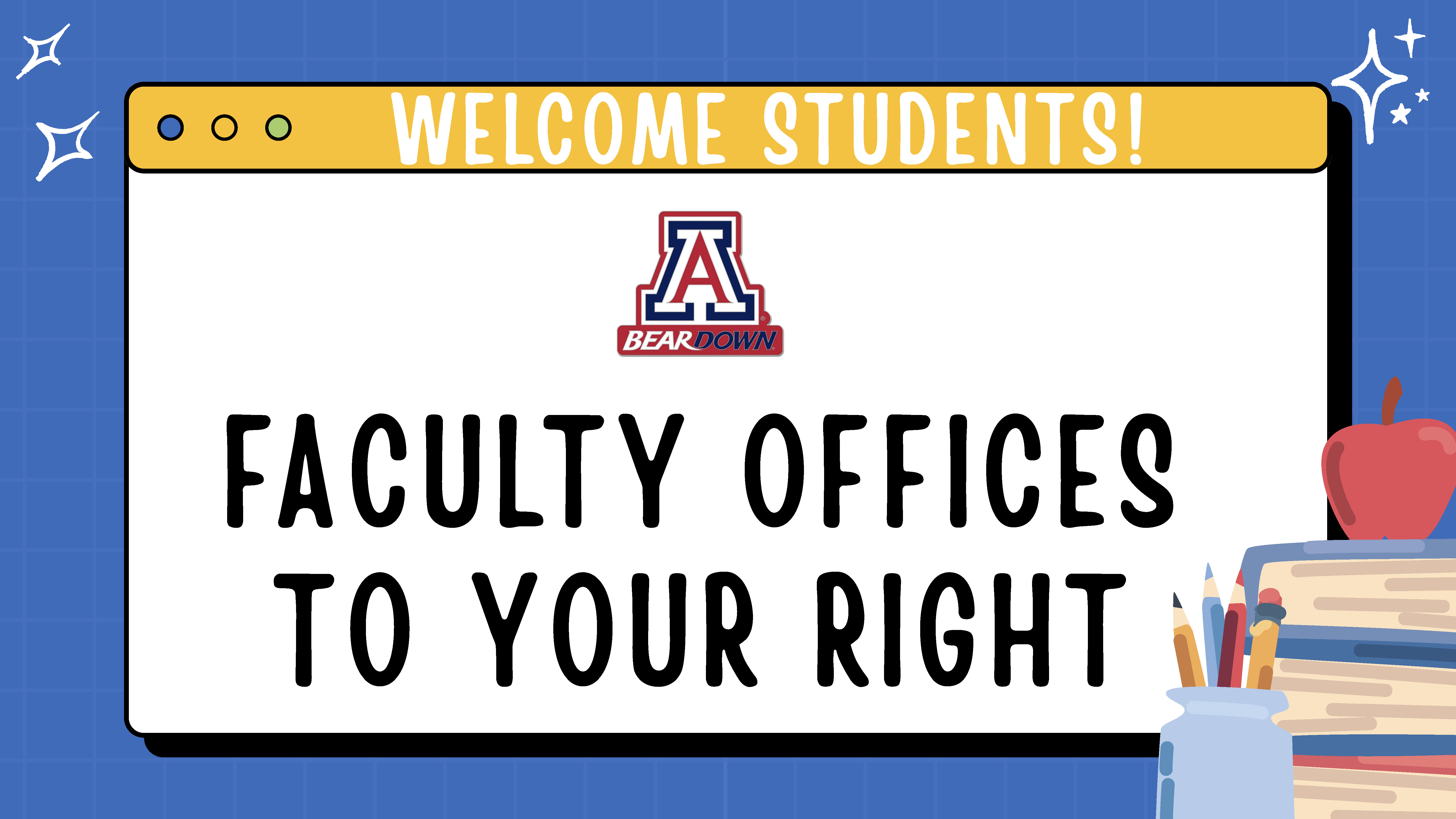
Welcome Back Faculty Office | Off | Off | |

|
Undergraduate Newsletter | Off | Off |
Inactive Slides
| Signage Graphic | Title | Signage Display Date | Expire Signage | SBS Shared Content |
|---|---|---|---|---|
|
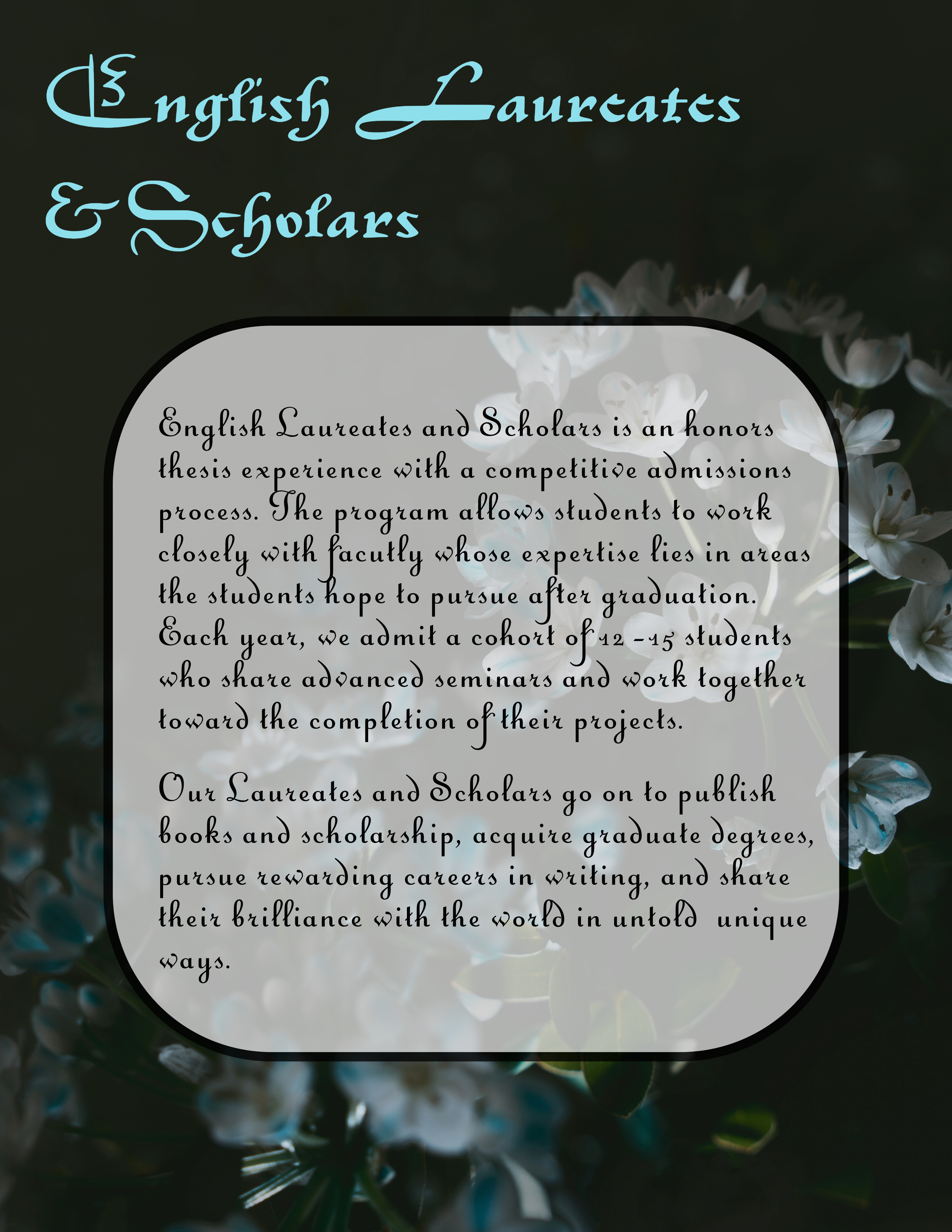
English Laureates and Scholars | - | On | Off |

|
EAL Speaker Event Oct 2 | - | On | Off |
|
Study Abroad | - | On | Off |
|
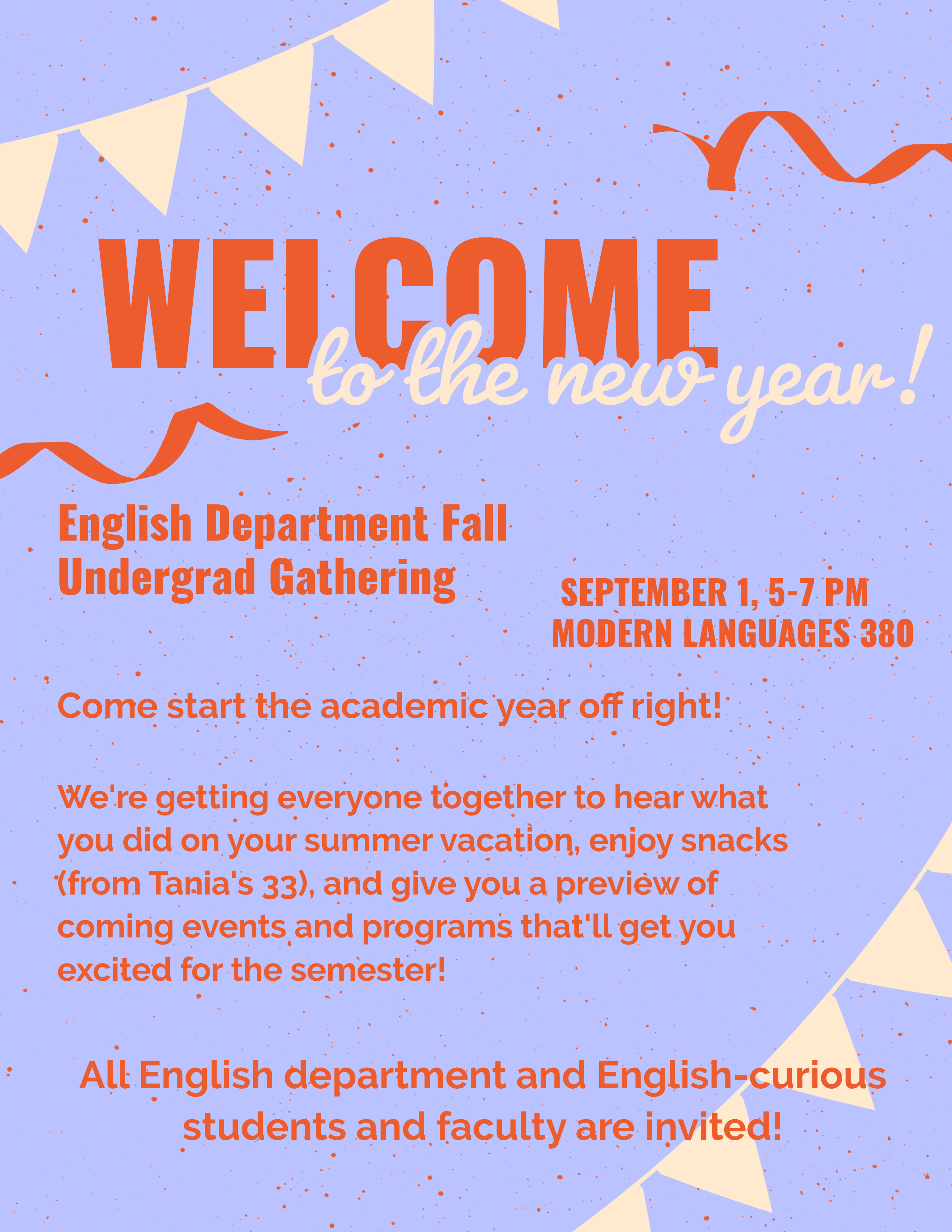
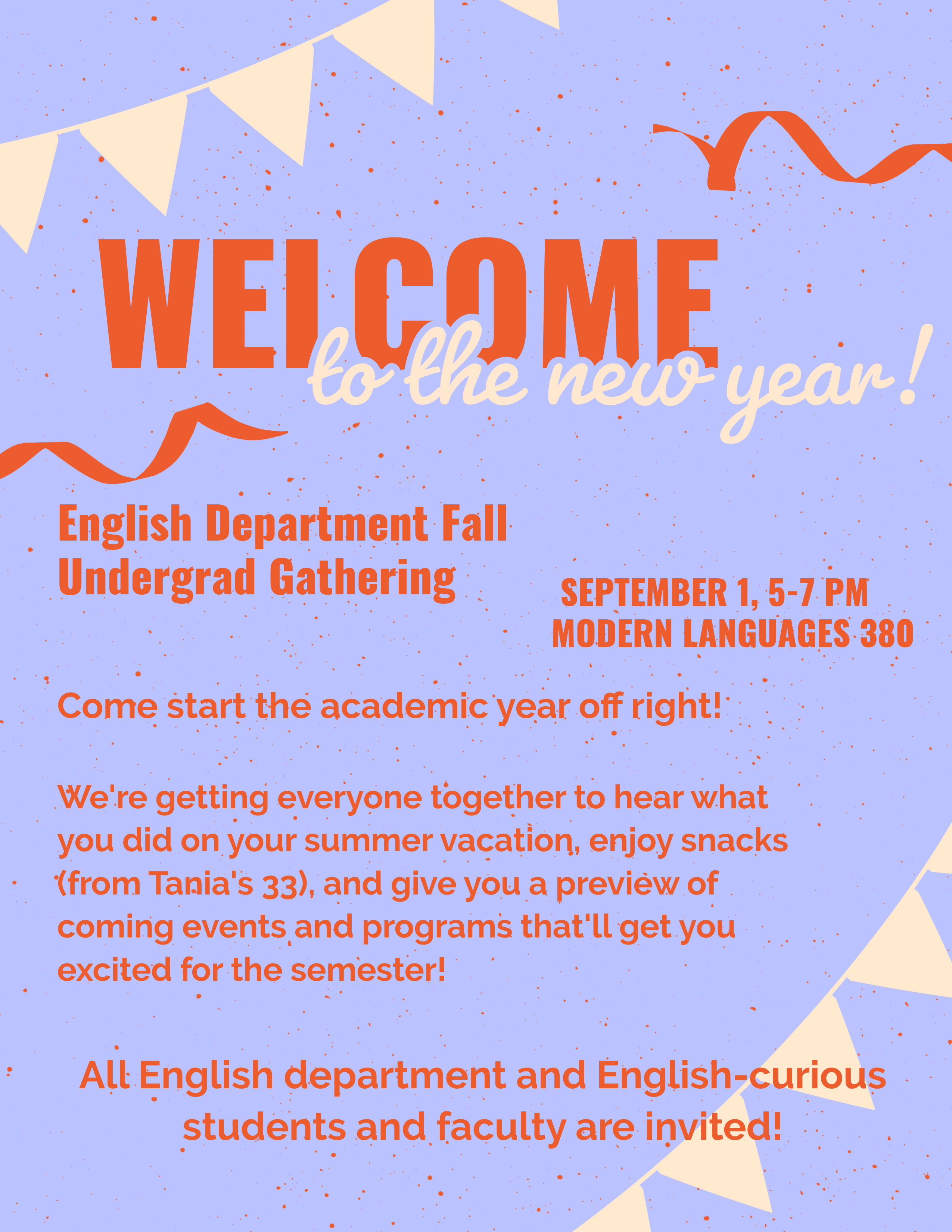
UG Welcome Event | - | On | Off |
|
Undergrad Welcome Event | - | On | Off |